
Phantom Tools
 Phantom Library
v1.1.0
Sort what you kept.
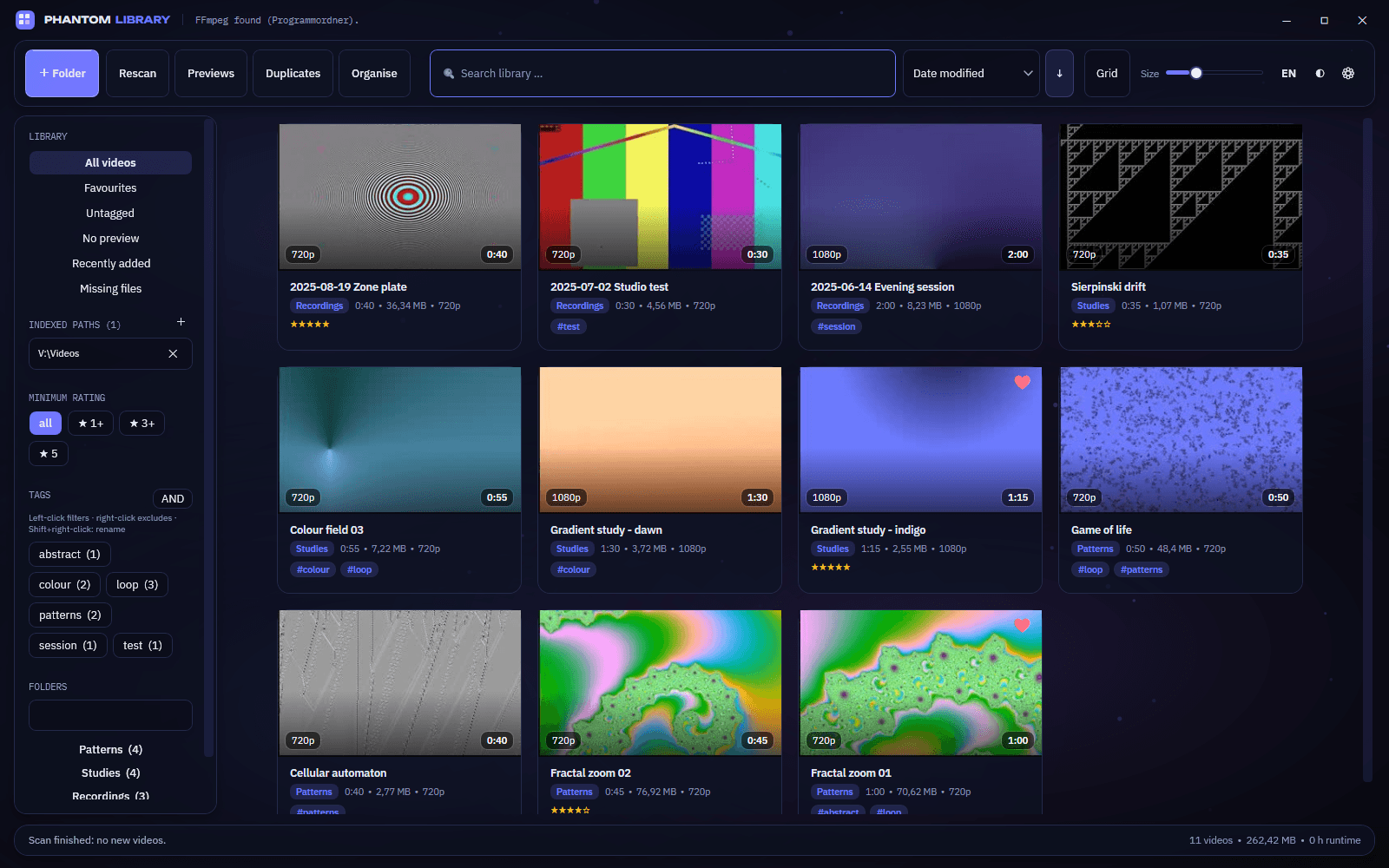
Brings order to what piles up — recordings, clips, downloaded videos. Point it at your folders; it builds a preview for every video and shows everything as one grid. Search, tag, rate, find duplicates and sort into folders, all from one window.
PhantomLibrary-1.1.0-win-x64.zip
118.8 MB · Windows 10 & 11 · 64-bit · free
- 60+
- video formats
- 1.7 s
- for 16 preview frames of a 54-minute recording
- 1 row
- written per tag change — instant at 10,000 videos
- DE · EN
- switch the language live
Up and running
- 1
Start it
Unzip anywhere and double-click PhantomLibrary.exe. No installer, no .NET to set up — FFmpeg is included.
- 2
Add a folder
Click + Folder and pick your video directory. Subfolders come along automatically.
- 3
Let it work
Videos are read in and previews appear in the background. New files show up by themselves.
Two views
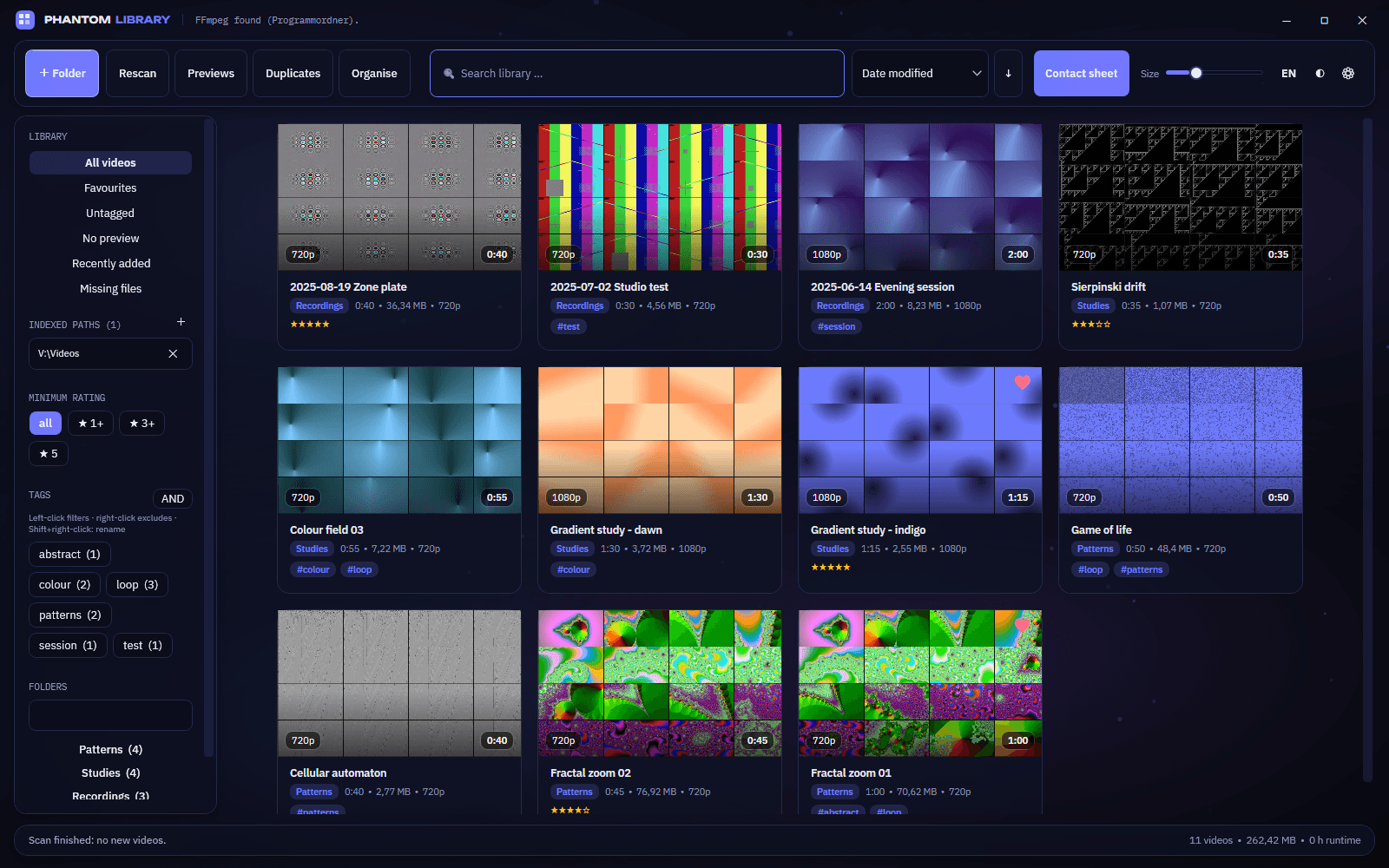
What it does
- Previews that move
- Hover a tile and it plays through all its frames, each one fading into the next. Move the mouse sideways to scrub yourself. Choose 9 to 30 frames per video, or one every 60 s down to one per second.
- Tags that stick
- Left-click a tag to filter, right-click to exclude, switch between AND and OR. Tags sit on every tile and survive deleting, renaming and re-scanning. Select many videos with Ctrl or Shift and tag them at once.
- Always up to date
- At start every folder is checked again: new videos come in, deleted ones drop out. Live watching adds new files while it runs, and recordings still being written get a red band.
- Find anything
- Full-text search across name, folder, tags and extension, ratings from 0 to 5 stars, favourites, ten sort orders and quick filters for untagged, missing or recently added videos.
- Built-in player
- Based on LibVLC, so it plays .ts, .mkv and .flv the Windows player chokes on. A strip of frames under the video jumps to any spot; speed from 0.5× to 4×. Needs VLC installed — without it, videos open in your default player.
- Clean up safely
- Finds duplicates by size and a checksum of the start and end — without reading multi-gigabyte files in full — plus similar videos in another encoding. Deletes go to the recycle bin, and a duplicate group can never be deleted completely.
- Sort into folders
- Move files by a pattern like {folder}\{year}-{month}\{name}{ext} with 14 more placeholders, and see every change before it happens. Tags and ratings move with the files.
- Fast at any size
- A SQLite library instead of one big file, a grid that only builds the tiles you can see, and previews made in one FFmpeg call per video, across all cores.
Keyboard
- Ctrl + F
- search
- F5
- read in again
- Enter
- play
- F2
- edit tags
- F
- favourite on / off
- 0 – 5
- set rating
- Del
- move to the recycle bin
- Shift + Del
- delete for good
- Ctrl + A / Esc
- select all / clear selection
- Ctrl + wheel
- tile size
In the player: Space pause · ← / → 10 s (with Shift 60 s) · ↑ / ↓ volume · N / P next / previous · F or F11 full screen · Esc close.
Where things live
Your videos stay where they are. Nothing is moved or renamed unless you explicitly ask for it.
- %LOCALAPPDATA%\PhantomLibrary
- the library (library.db) and the preview images
- settings.json
- all settings, saved about 1.5 s after each change
Portable: put settings.json next to the .exe, or set PHANTOMLIBRARY_DATA to any folder — that way you can also keep several separate libraries.
Coming from Video Organizer?
Phantom Library is its successor. On first start your existing library, previews and ratings are taken over automatically — nothing to copy by hand.
What you need
- Windows 10 or 11, 64-bit
- No .NET — everything is inside the .exe
- FFmpeg is included
- VLC only if you want the built-in player
Phantom Library 1.1.0
Free. Everything in one folder.
PhantomLibrary-1.1.0-win-x64.zip
118.8 MB · Windows 10 & 11 · 64-bit · free